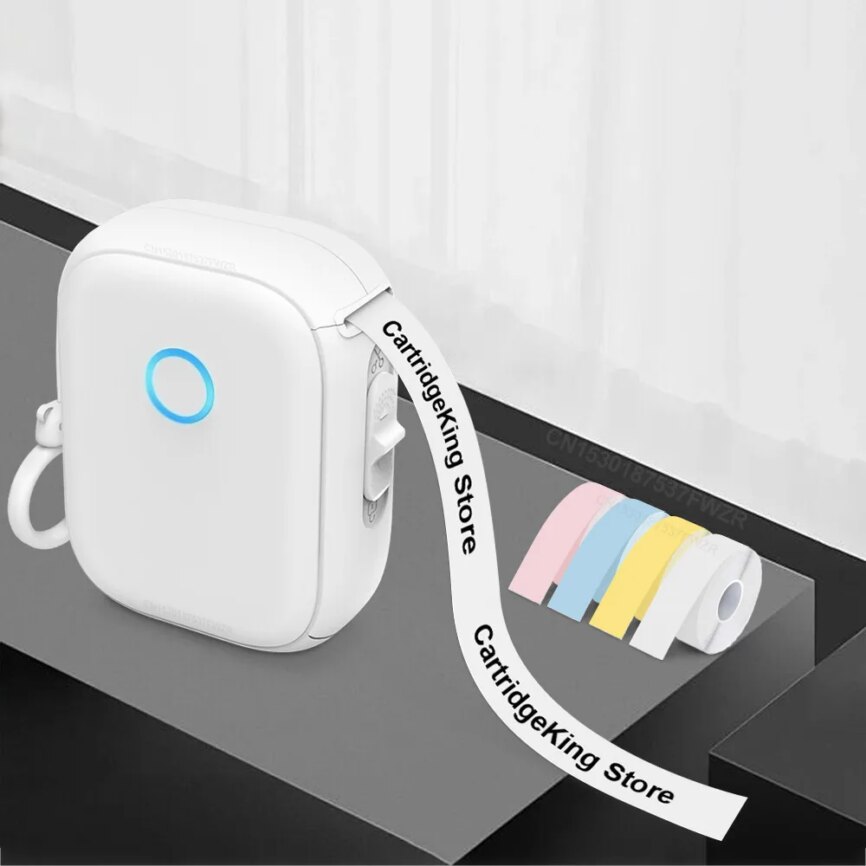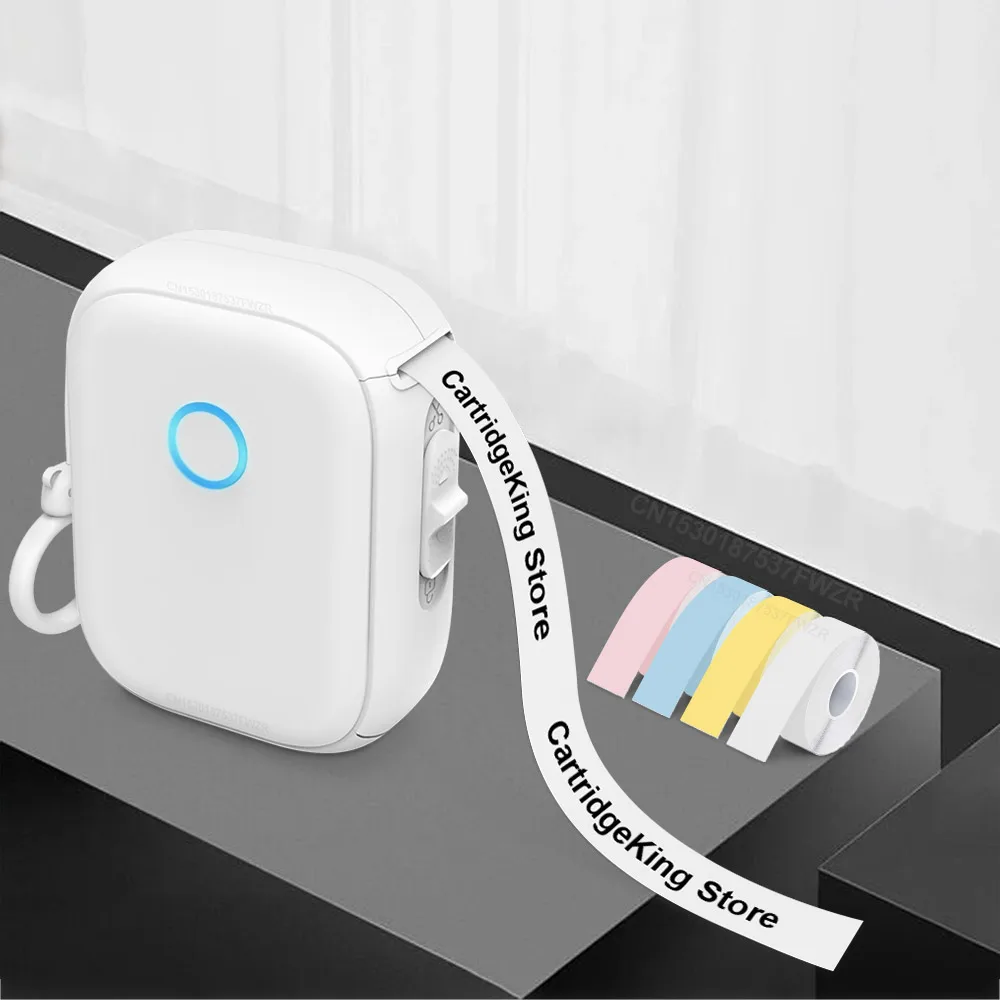
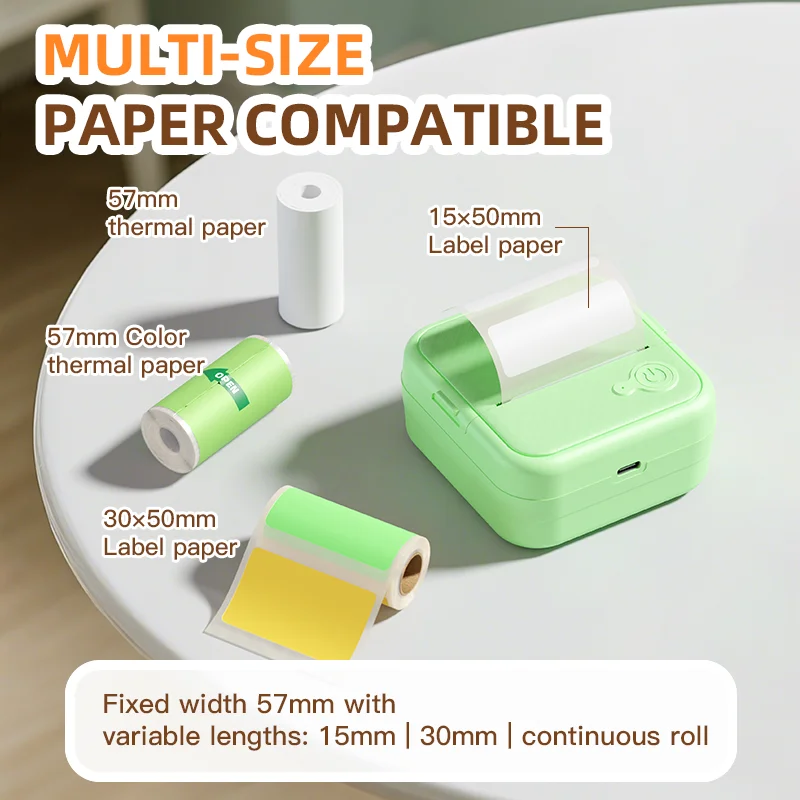
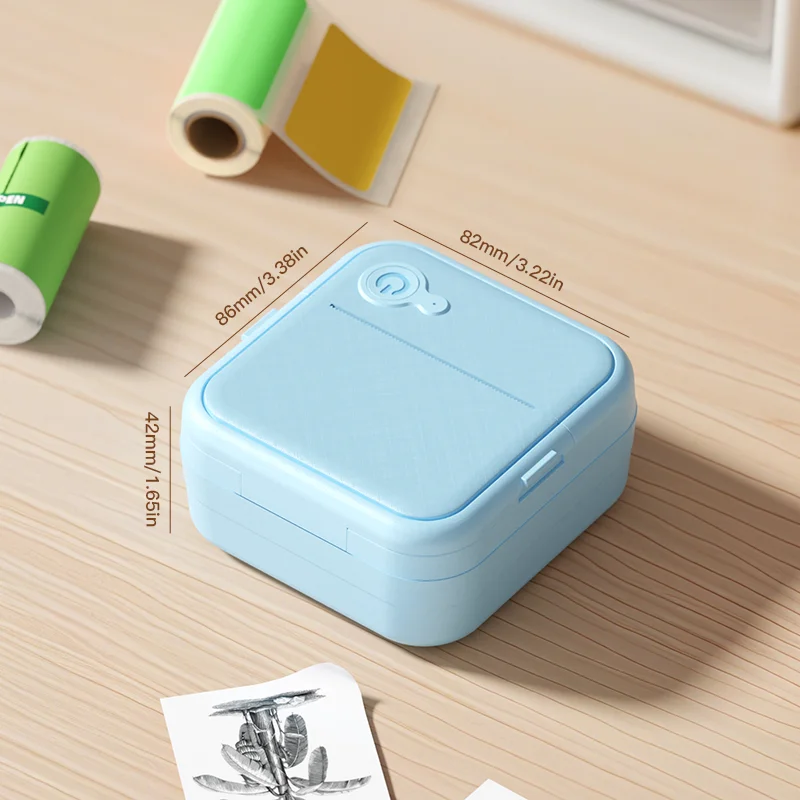
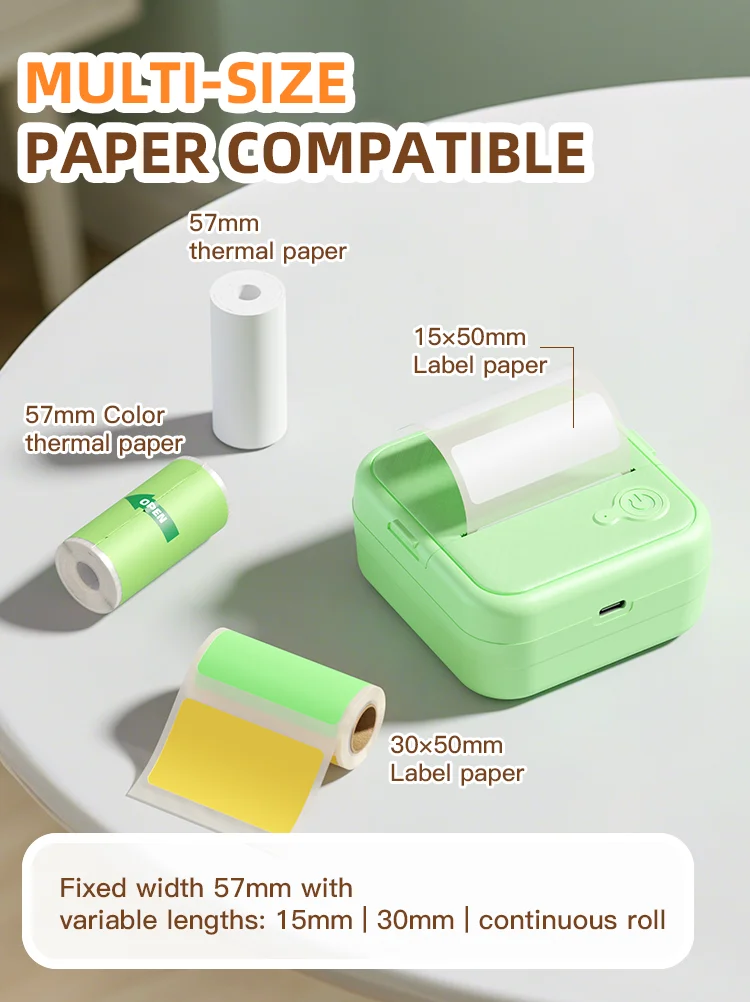
The Dolewa D8 is the widest-range mini printer in our store — printing label widths from 12mm all the way up to 57mm, which means it handles everything from tiny cable tags and date labels to full-width photo stickers and journal inserts in one device.
And it arrives with 7 rolls of paper already in the box — including colour rolls — so you’re creating the moment it lands.
WHAT MAKES THE D8 DIFFERENT Most mini thermal printers are locked to a single paper width. The D8 supports the full range from 12mm to 57mm, making it the only printer in our store that bridges the gap between a label maker and a photo sticker printer. You get both — without buying both.
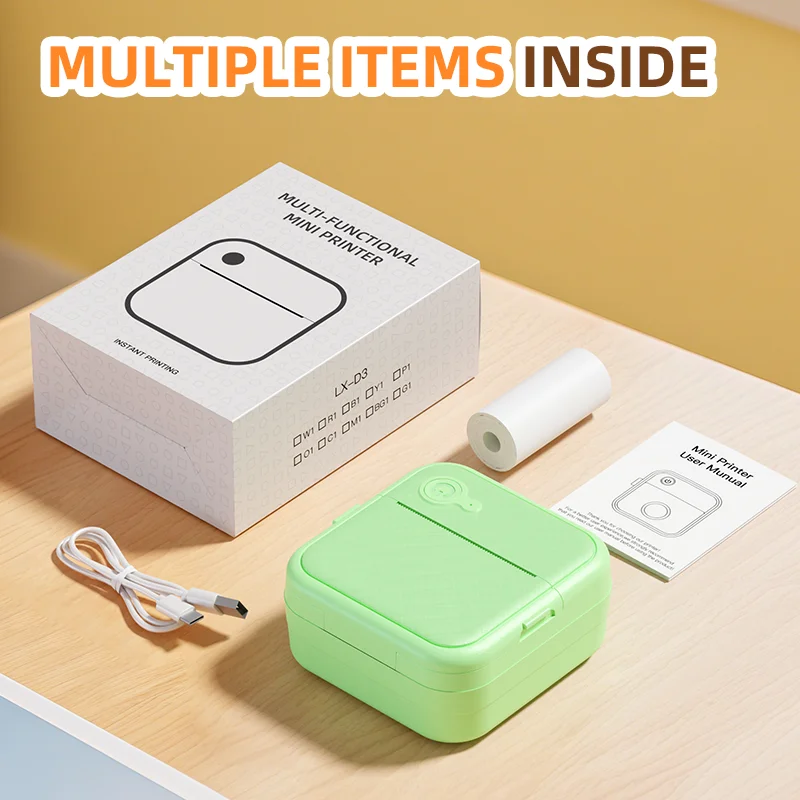
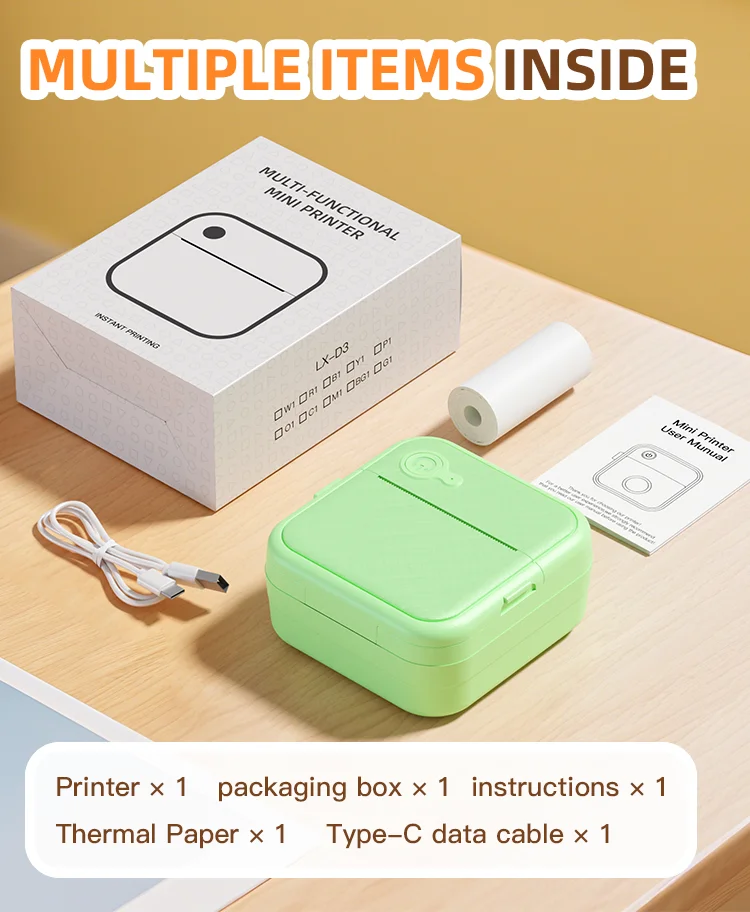
WHAT COMES IN THE BOX
→ Dolewa D8 Printer
→ 1 roll of paper including — ready to print immediately
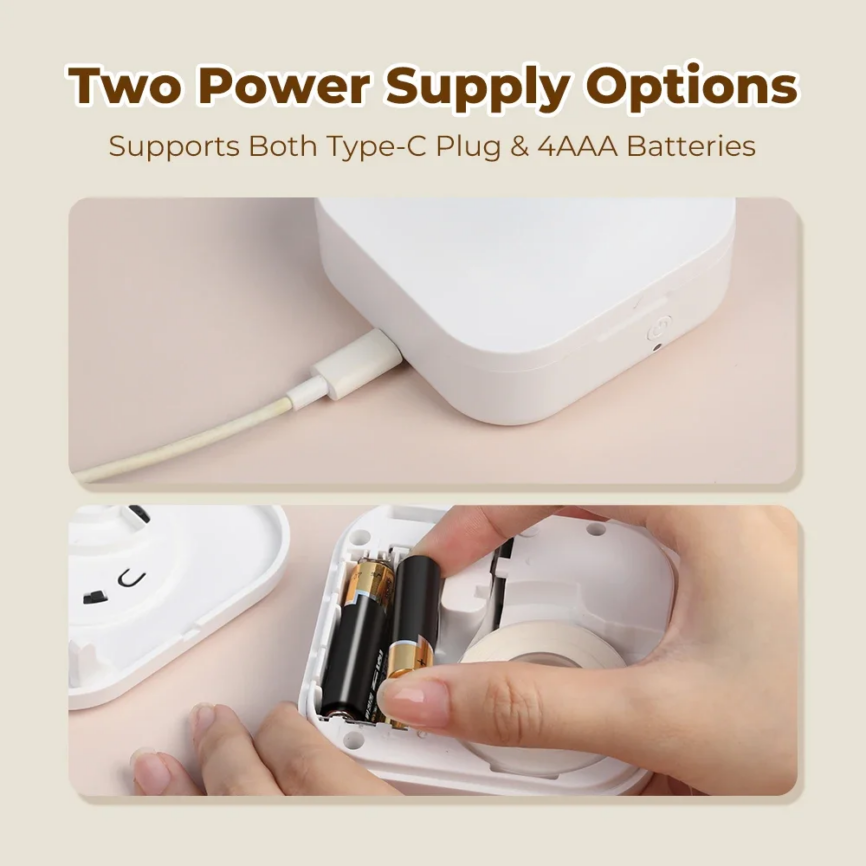
→ USB-C charging cable
→ User manual
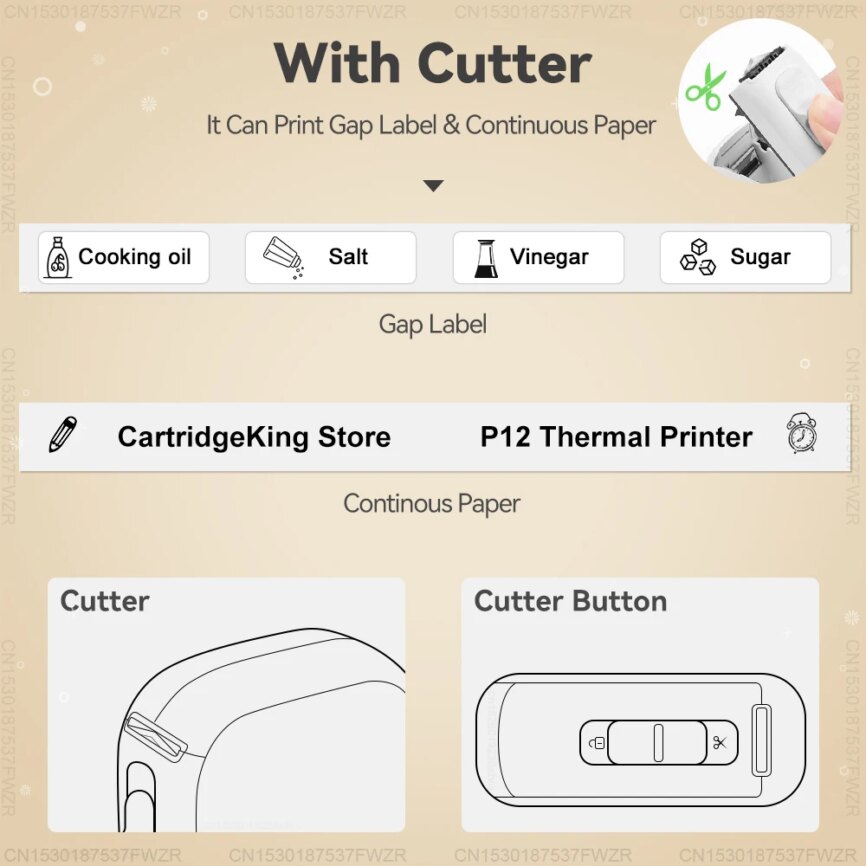
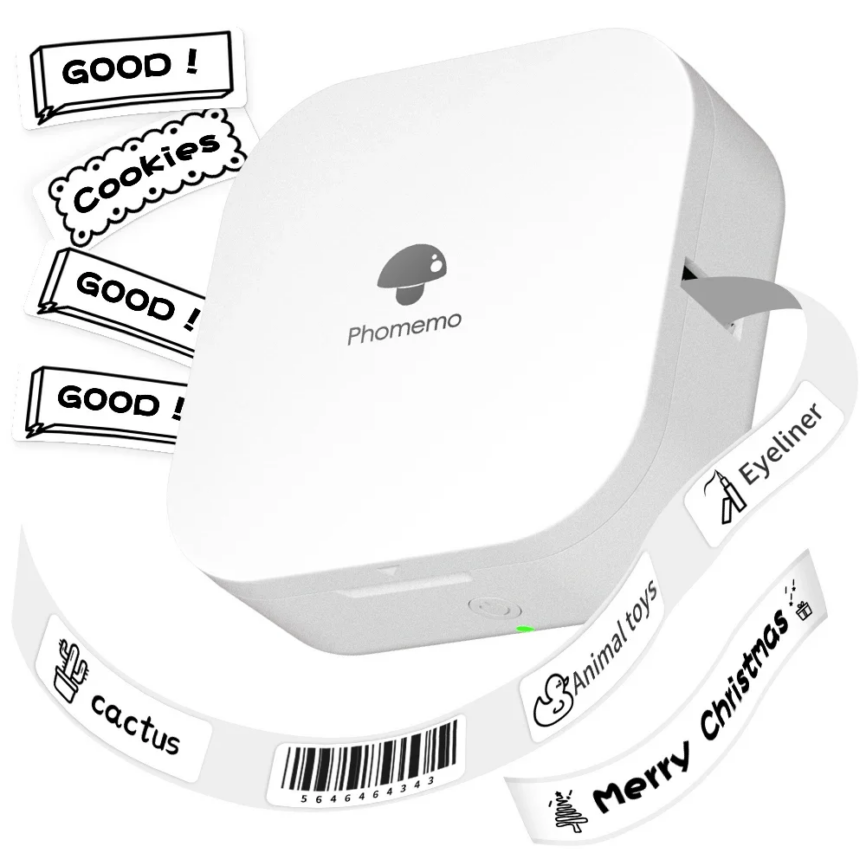
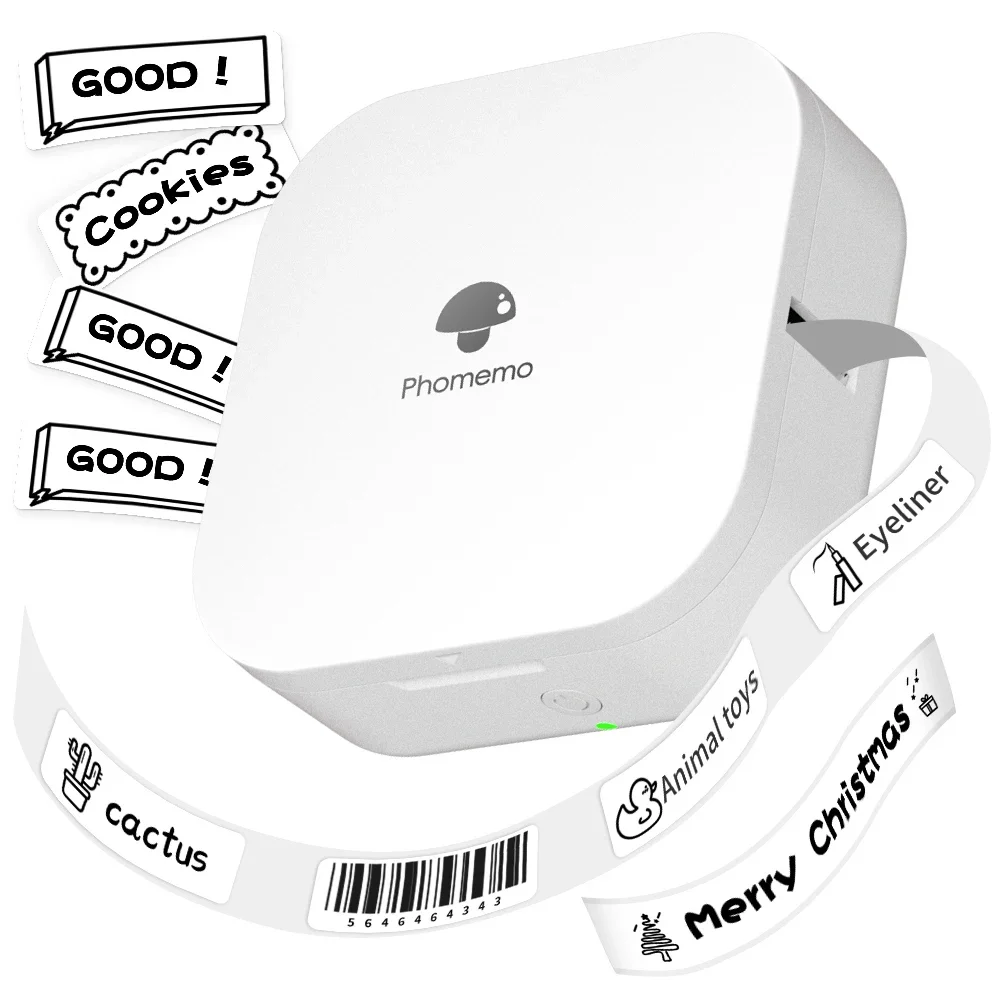
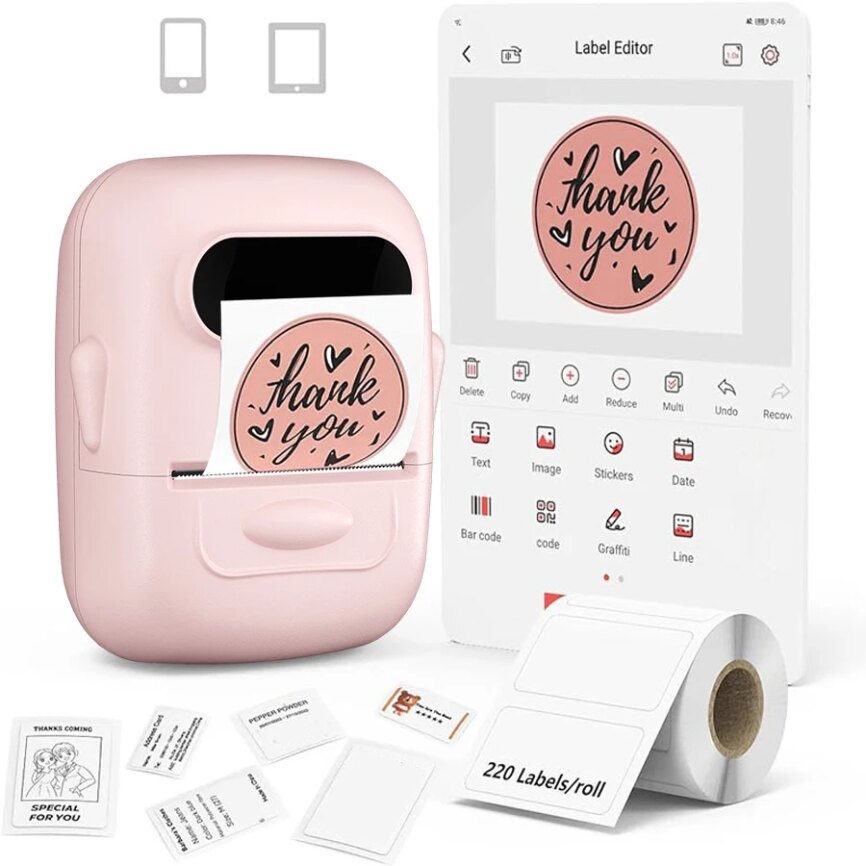
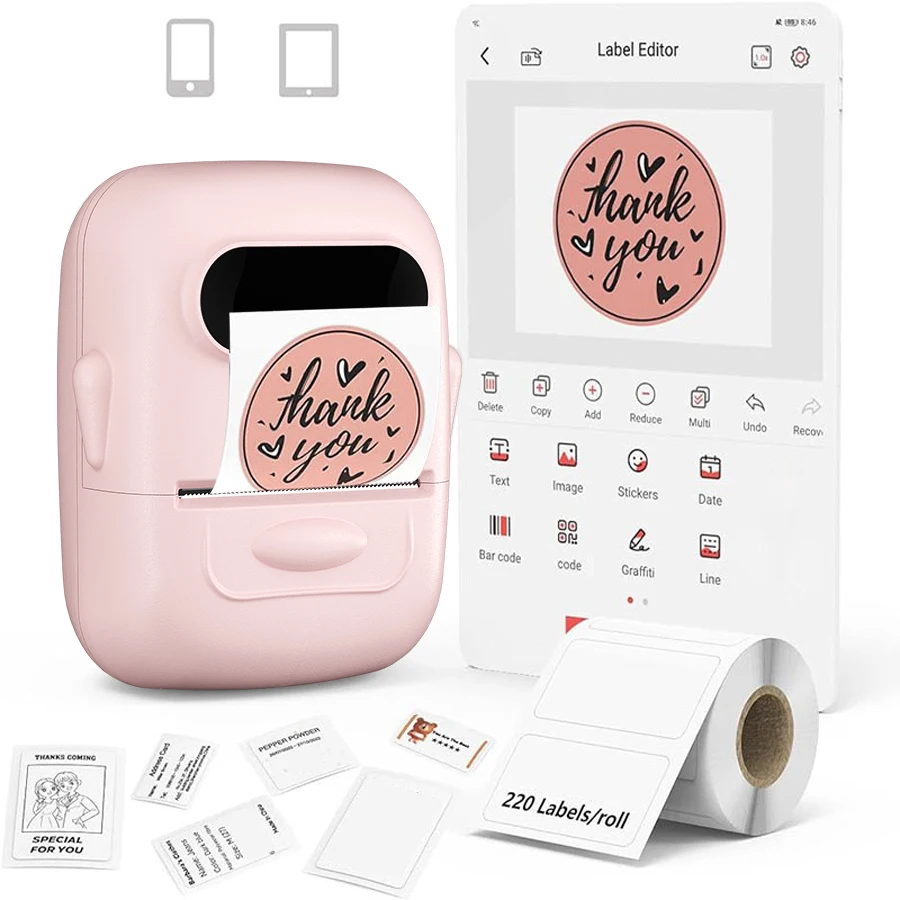
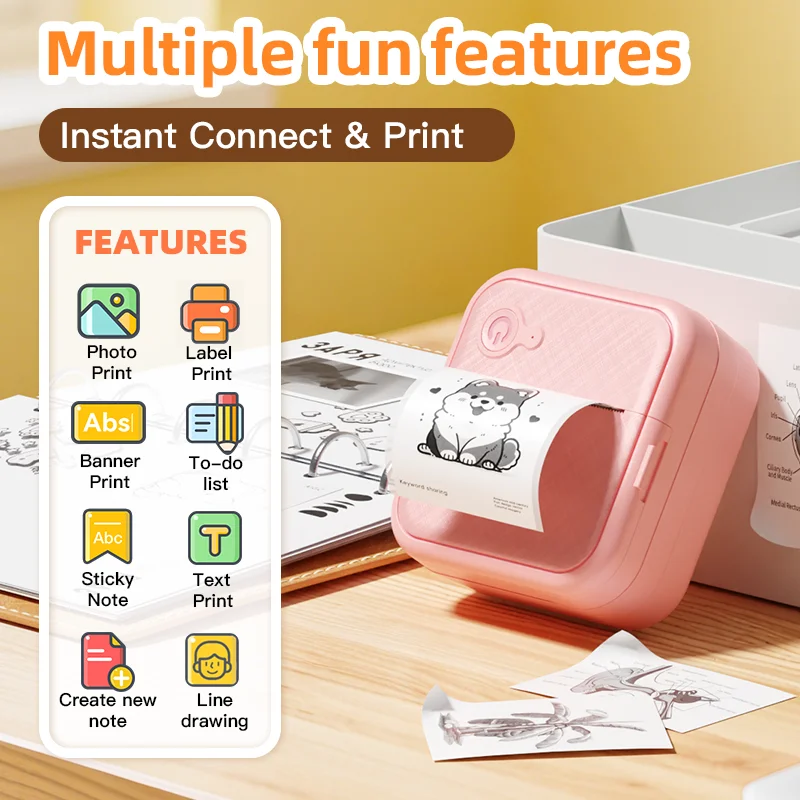
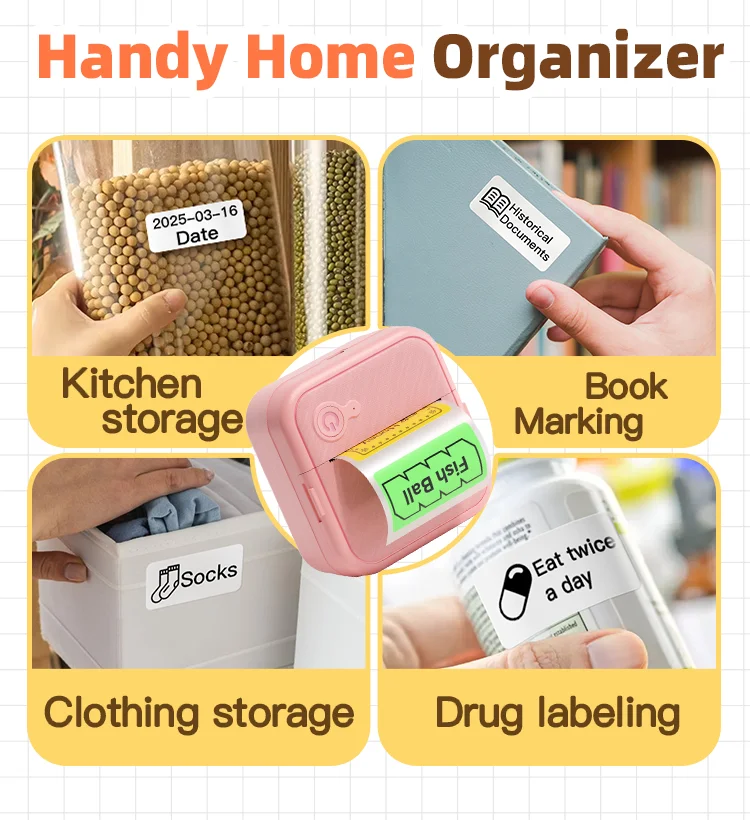
WHAT YOU CAN PRINT At 12–30mm (label mode): → Pantry and kitchen labels → Date, ingredient and content tags → Cable and cord identifiers → Name labels for school supplies → Price tags and product labels
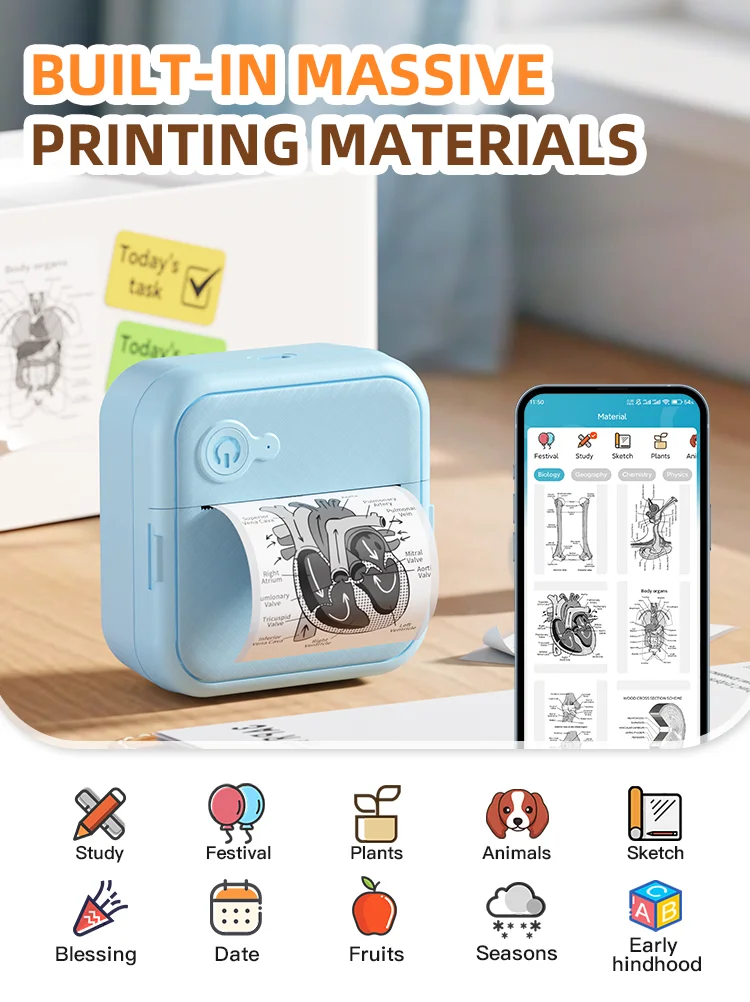
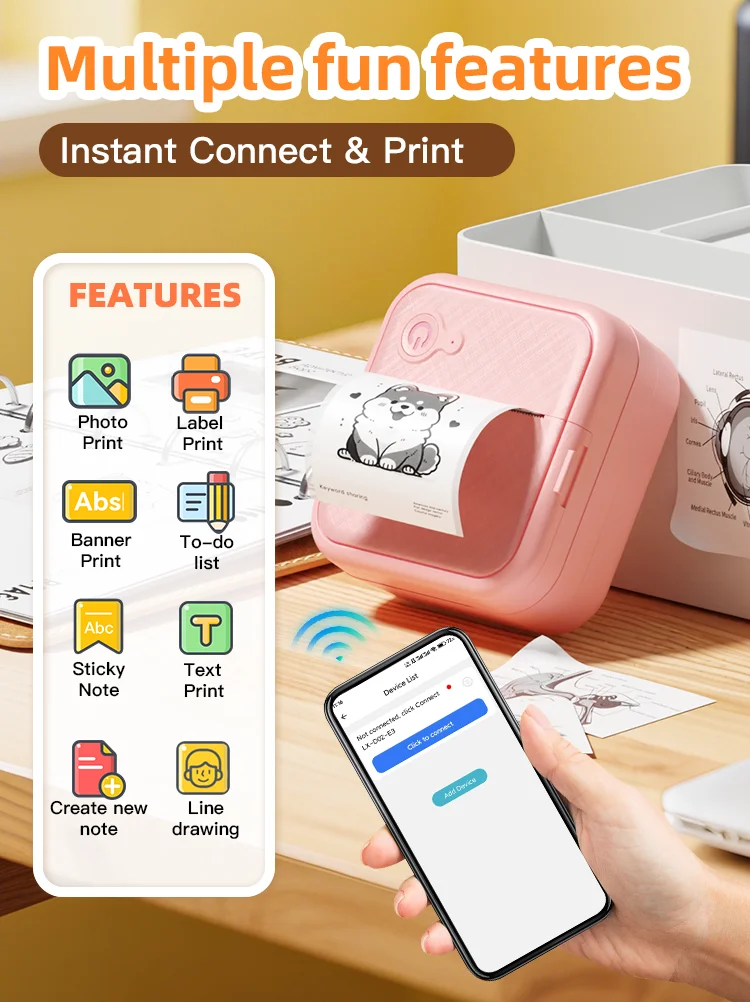
At 40–57mm (sticker and photo mode): → Photo stickers from your phone’s camera roll → Journal inserts and decorative elements → Scrapbooking pages and headers → Custom stickers with your own designs and artwork → To-do lists you can stick anywhere
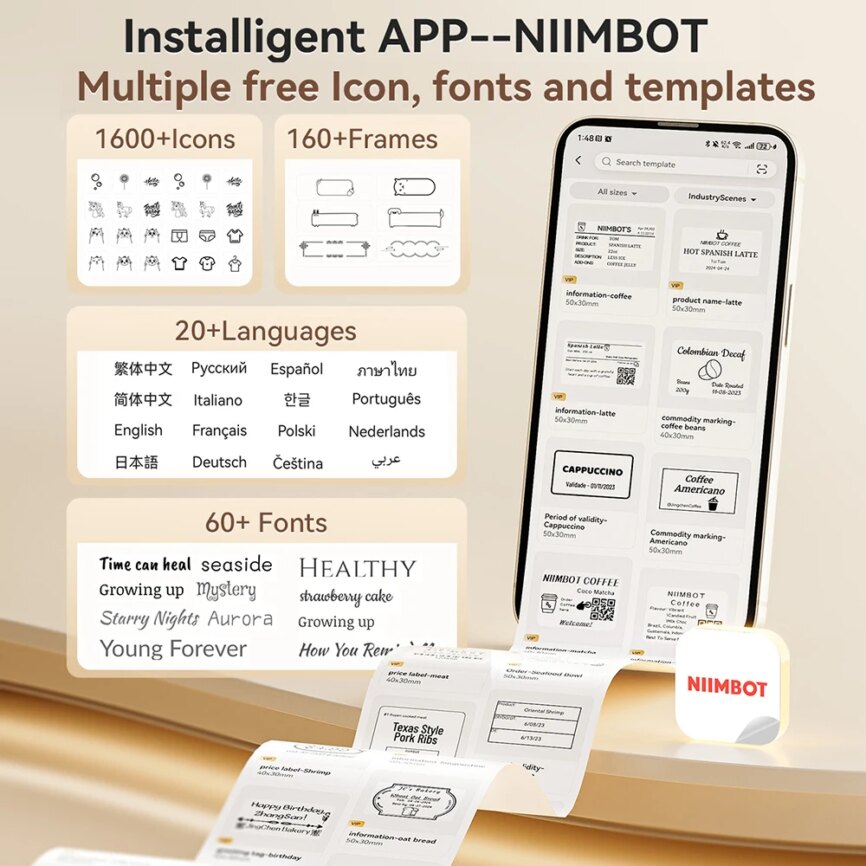
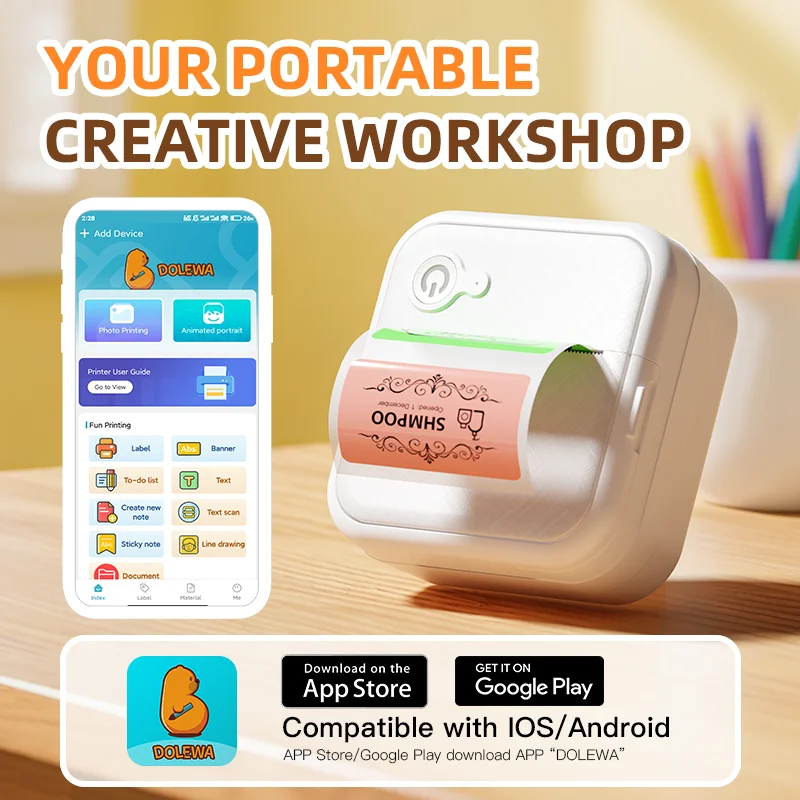
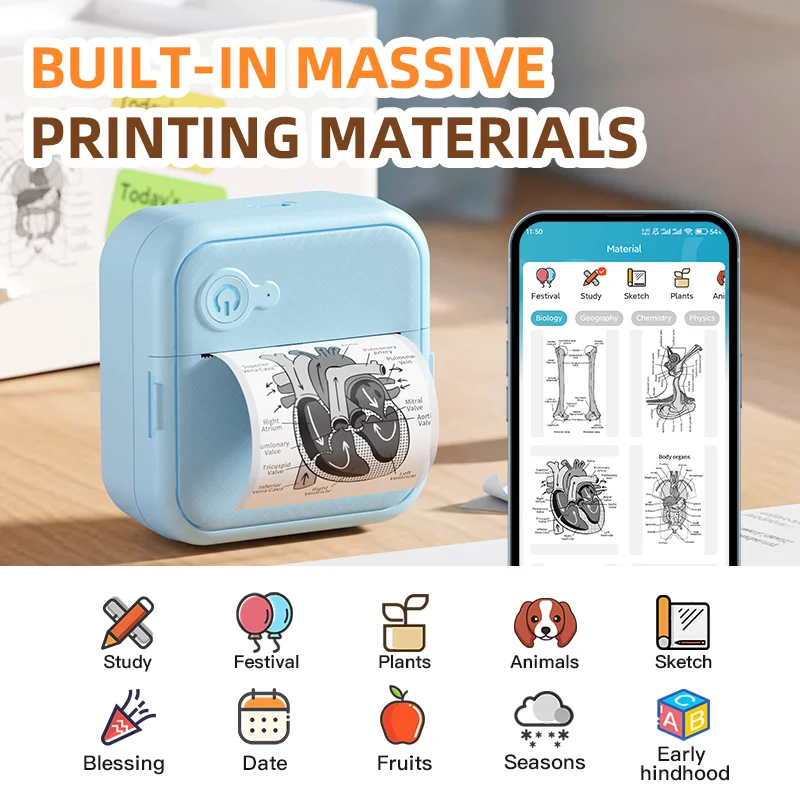
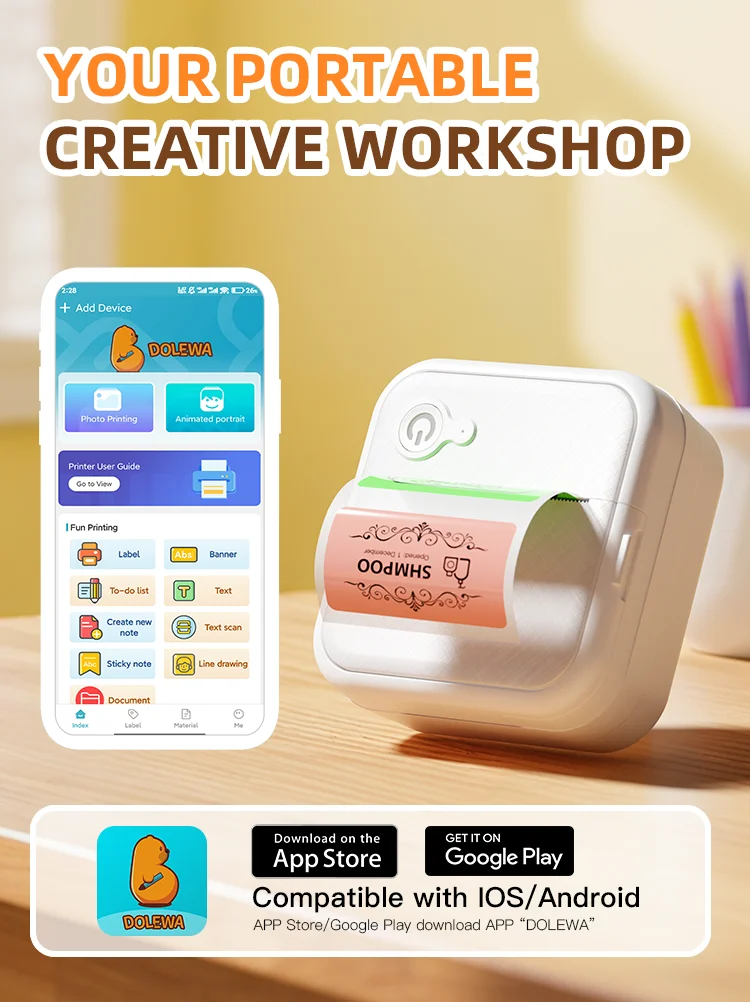
THE APP — DOLEWA The Dolewa app supports a wide variety of styles, fonts, sizes and patterns — and the fonts, languages and video tutorials are updated regularly every month. Connect via Bluetooth, load a paper roll, and you’re printing within minutes of opening the box.
HOW TO CONNECT
1. Long press 3 seconds to power on
2. Scan the QR code in the manual to download the Dolewa app
3. Turn on your phone’s Bluetooth
4. Load your paper roll5. Connect the printer in the app 6. Start printing 🌸
The cost varies according to your country of residence.
Once you receive the order at home, you have a period of 14 calendar days to manage the return or report an issue for free through your online account. Read more on our Shipping & Returns page.